SONY MDR-HW700 compatible with mimimamo
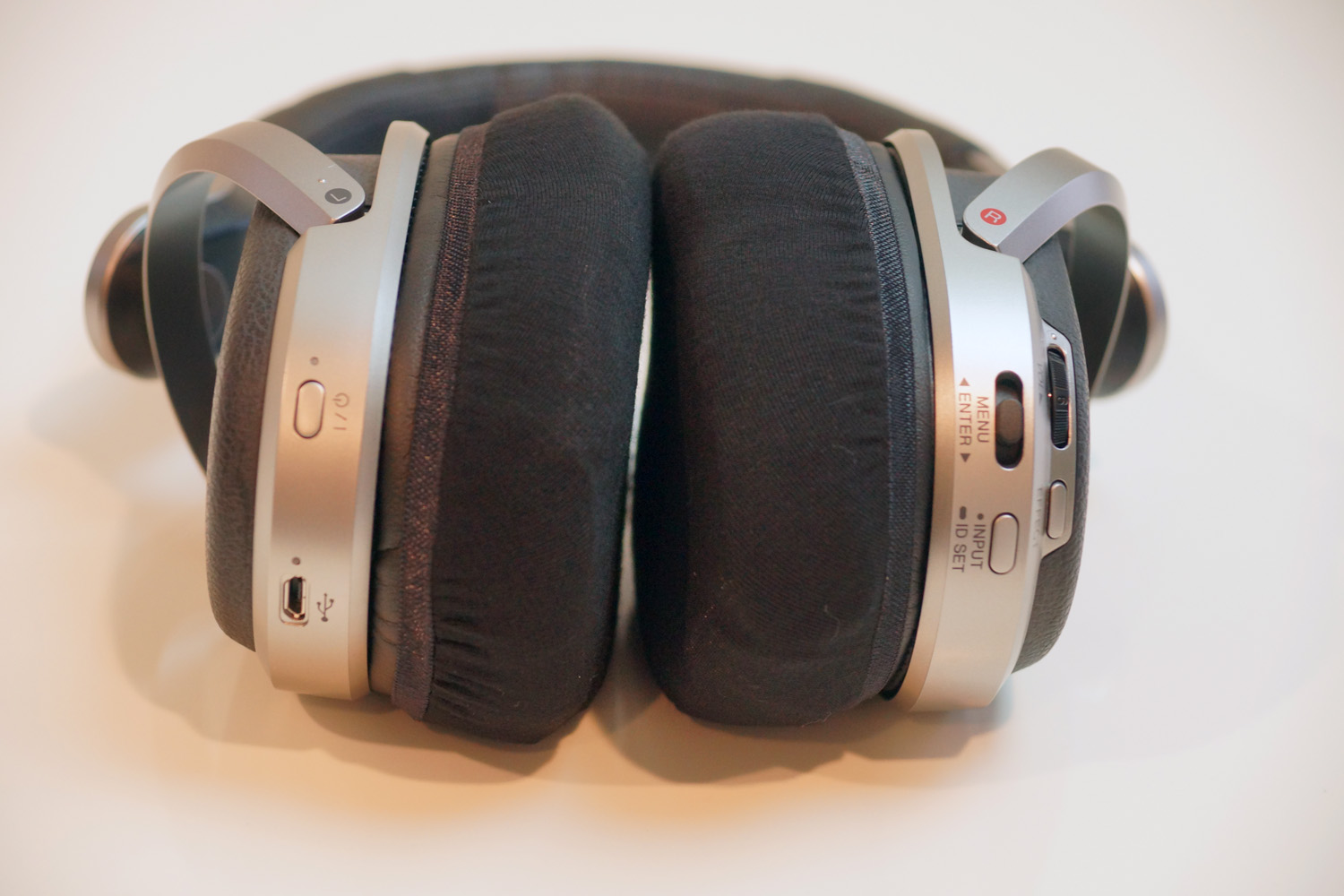
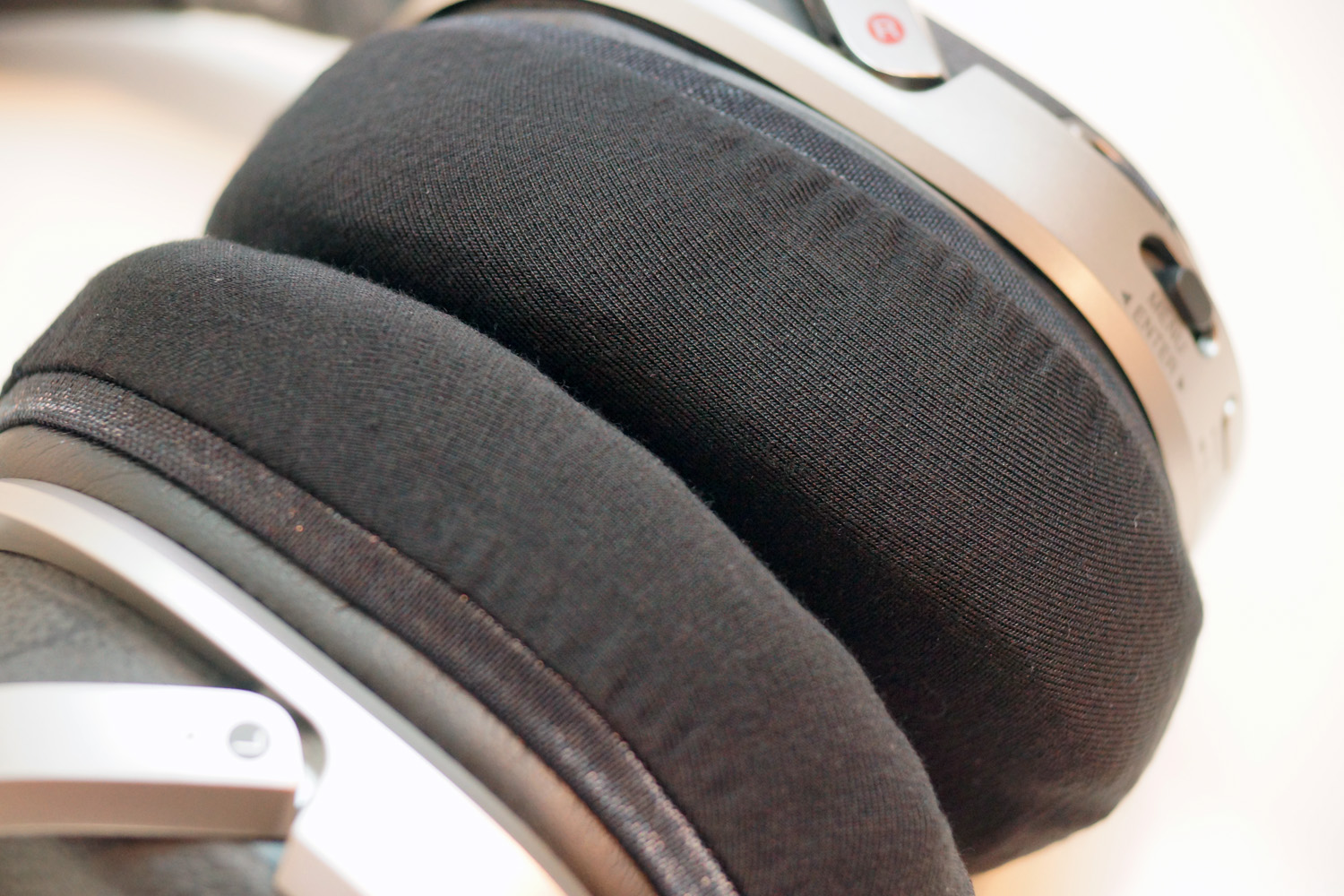
Fit feeling when mimimamo is attached to SONY MDR-HW700, installation example, etc. (* The photo is an L size installation example)
Recommended size:
L size
Fit:
△ Due to the thickness of the earpads, they do not cover the entire area. Deformation of the earpads may make it difficult to insert the earpads. We recommend that you remove the covers after use, as the earpads are easily deformed.
Ease of mounting:
〇 Easy
Stealth mounting method:
× Impossible
Added to the compatibility list:
November 12, 2016
Mounting method video(L size):
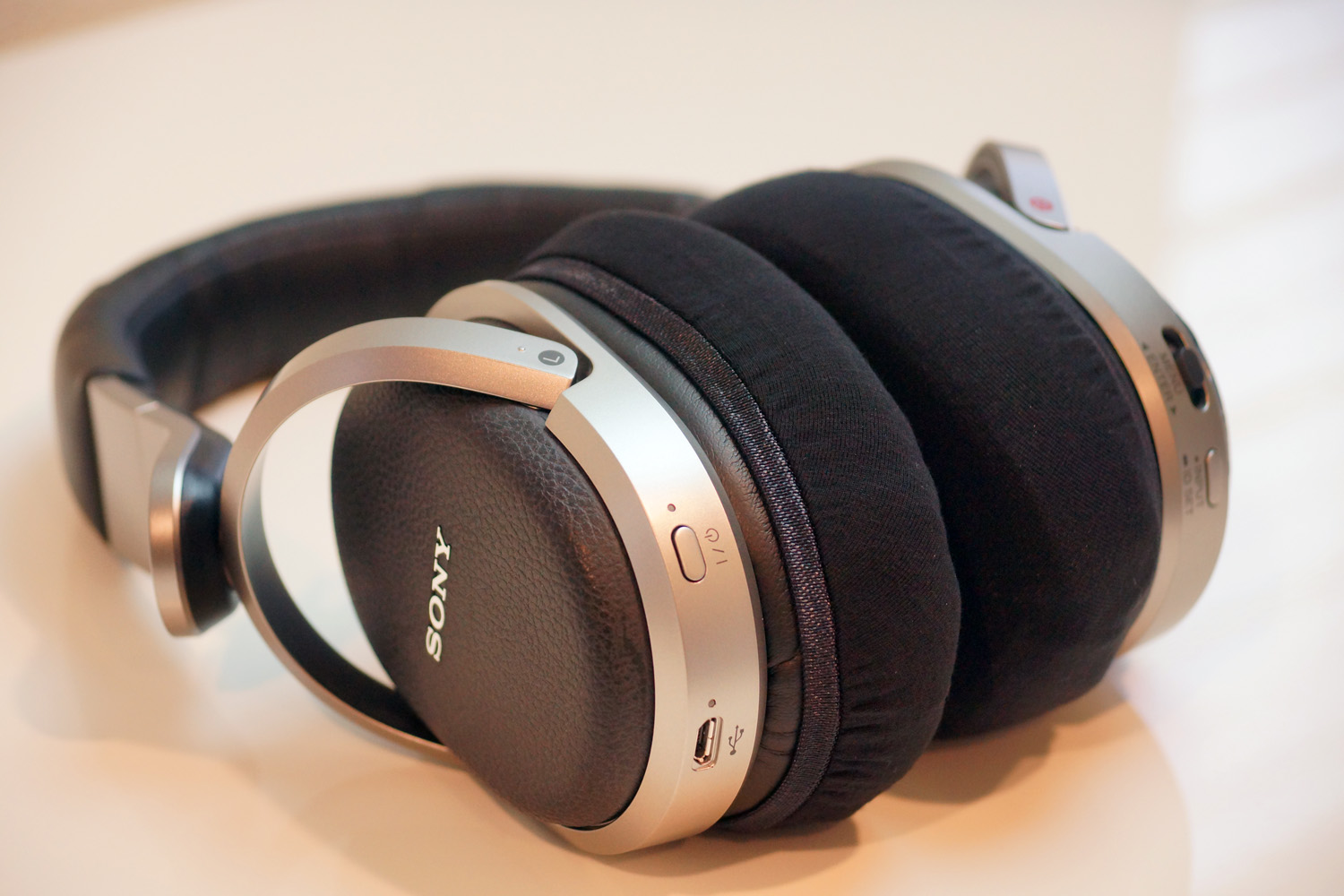
Mounting method example(L size):
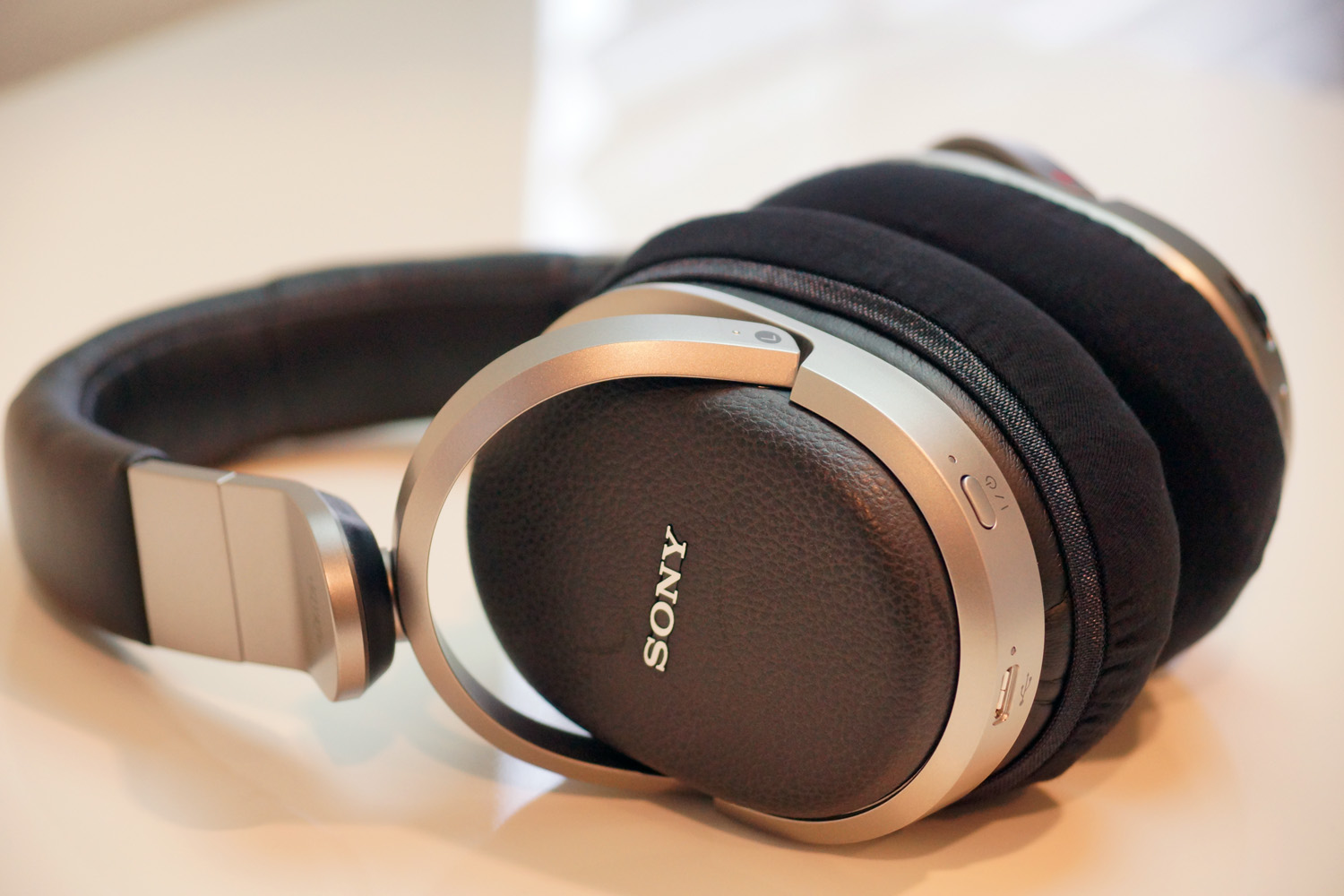
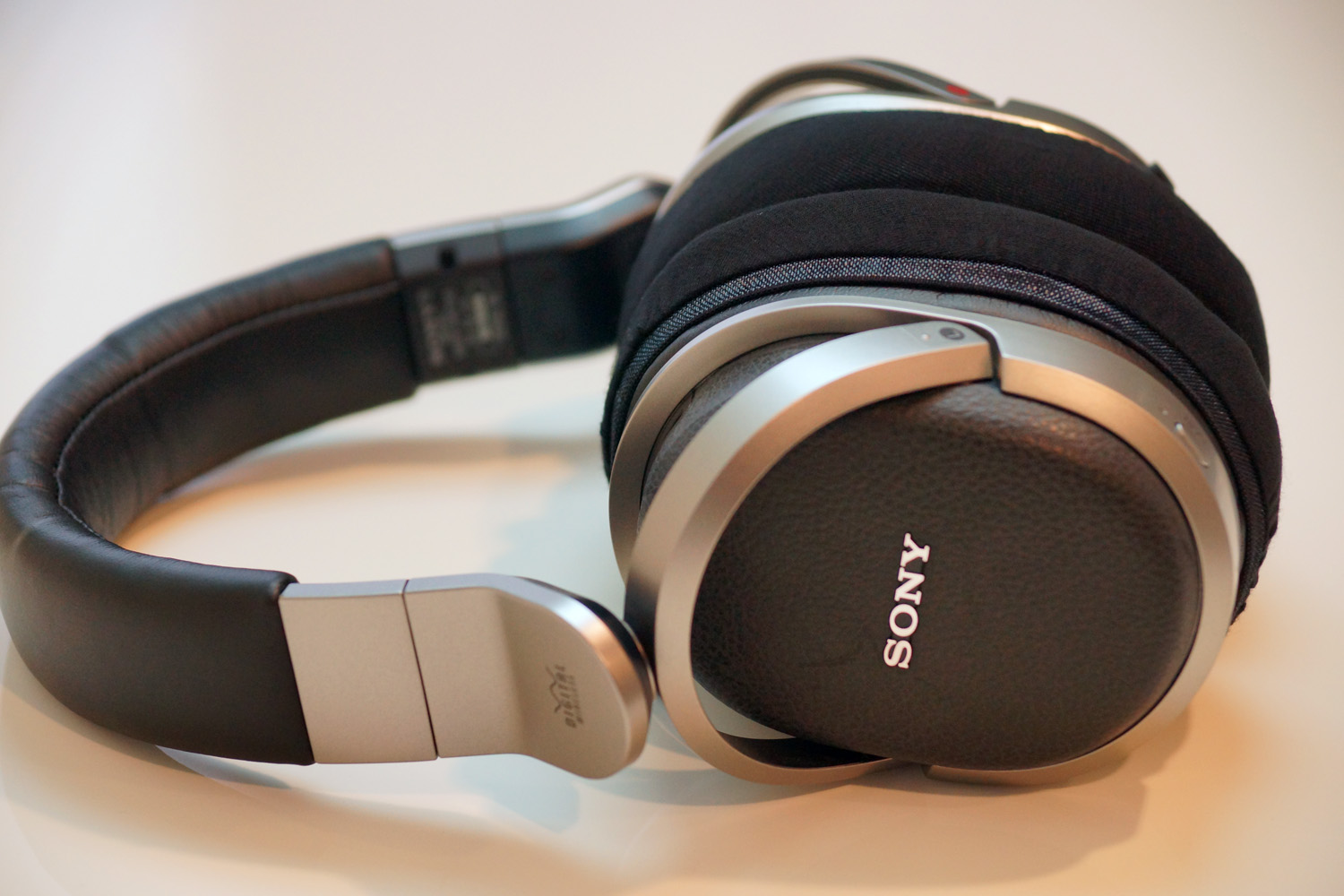
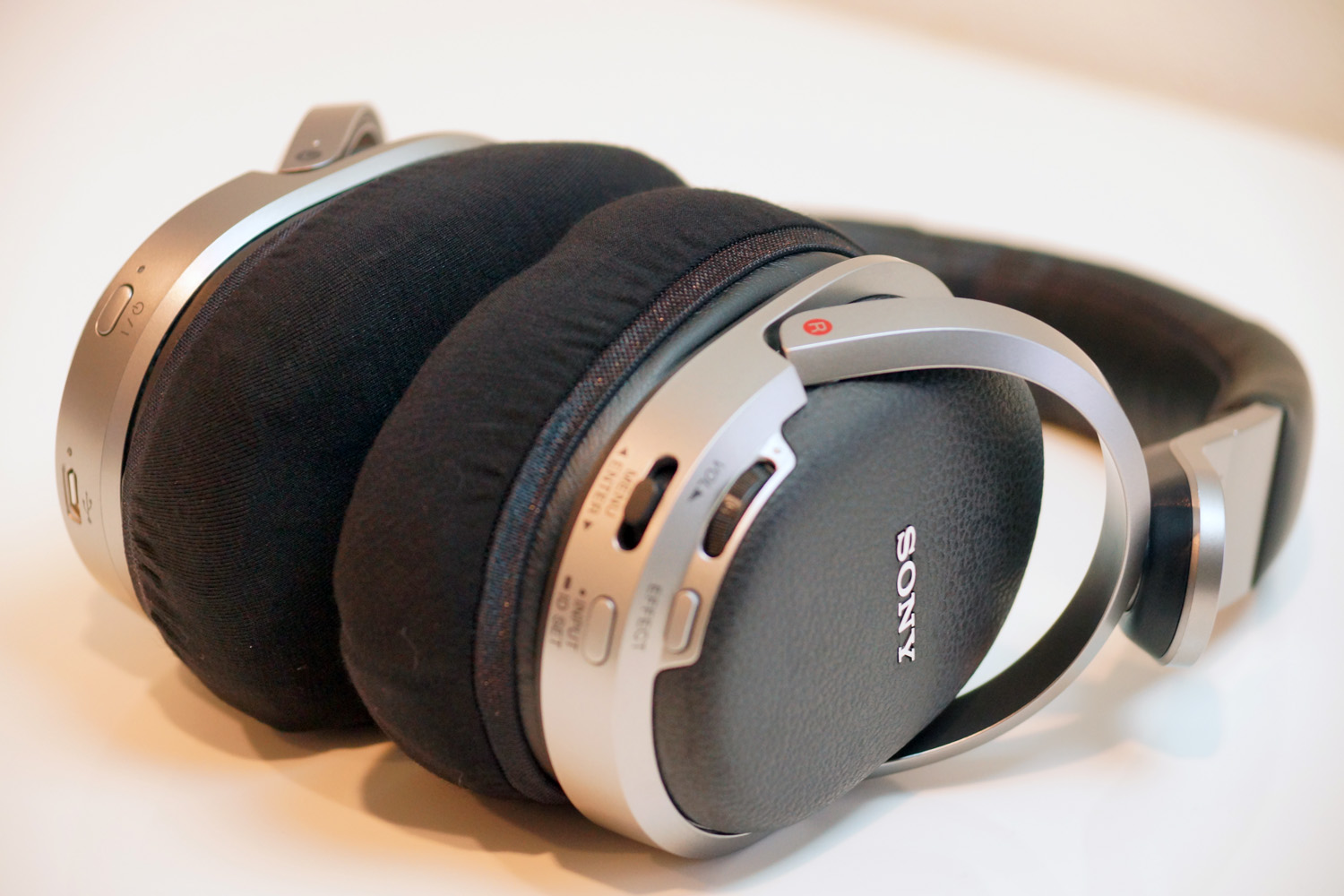
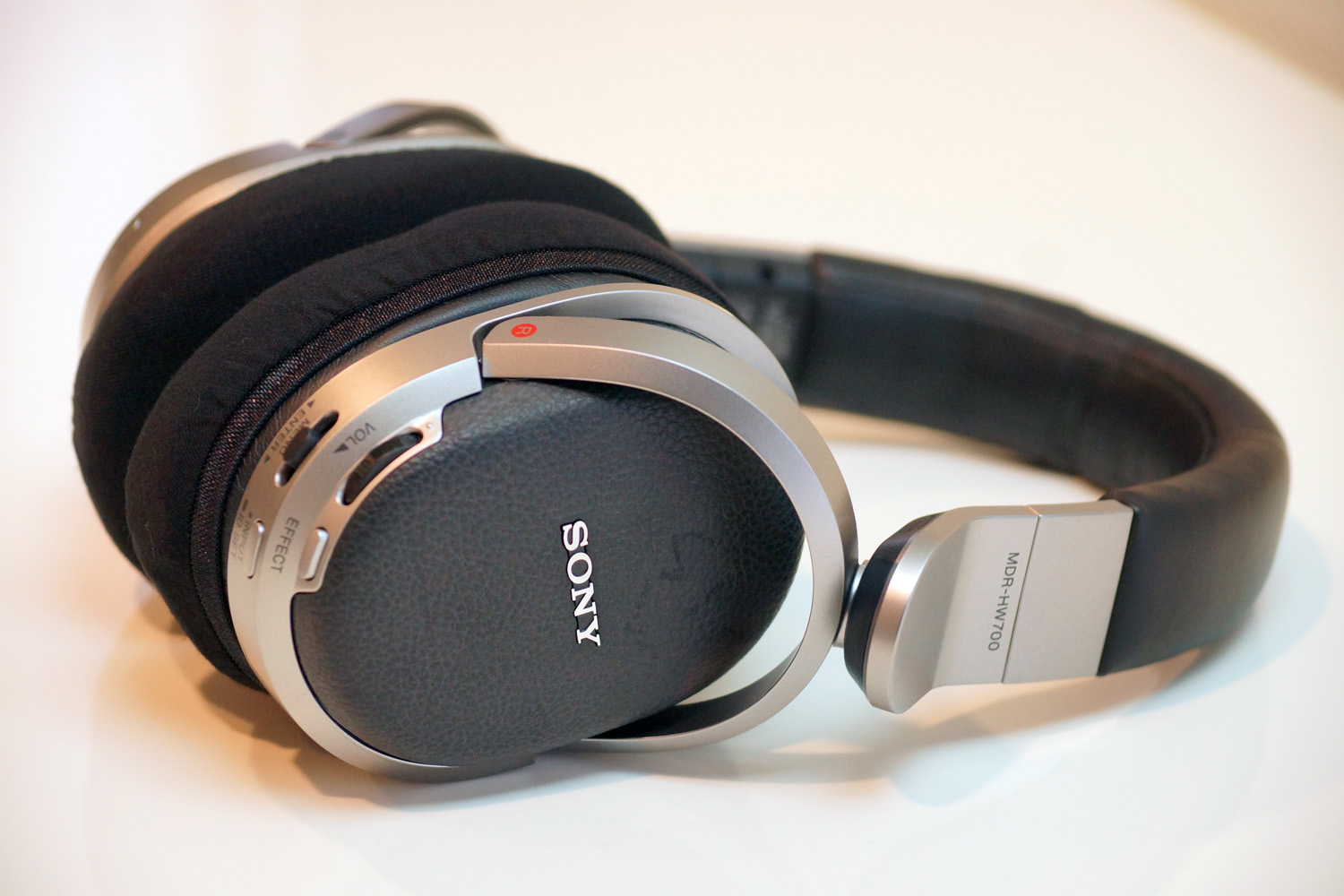
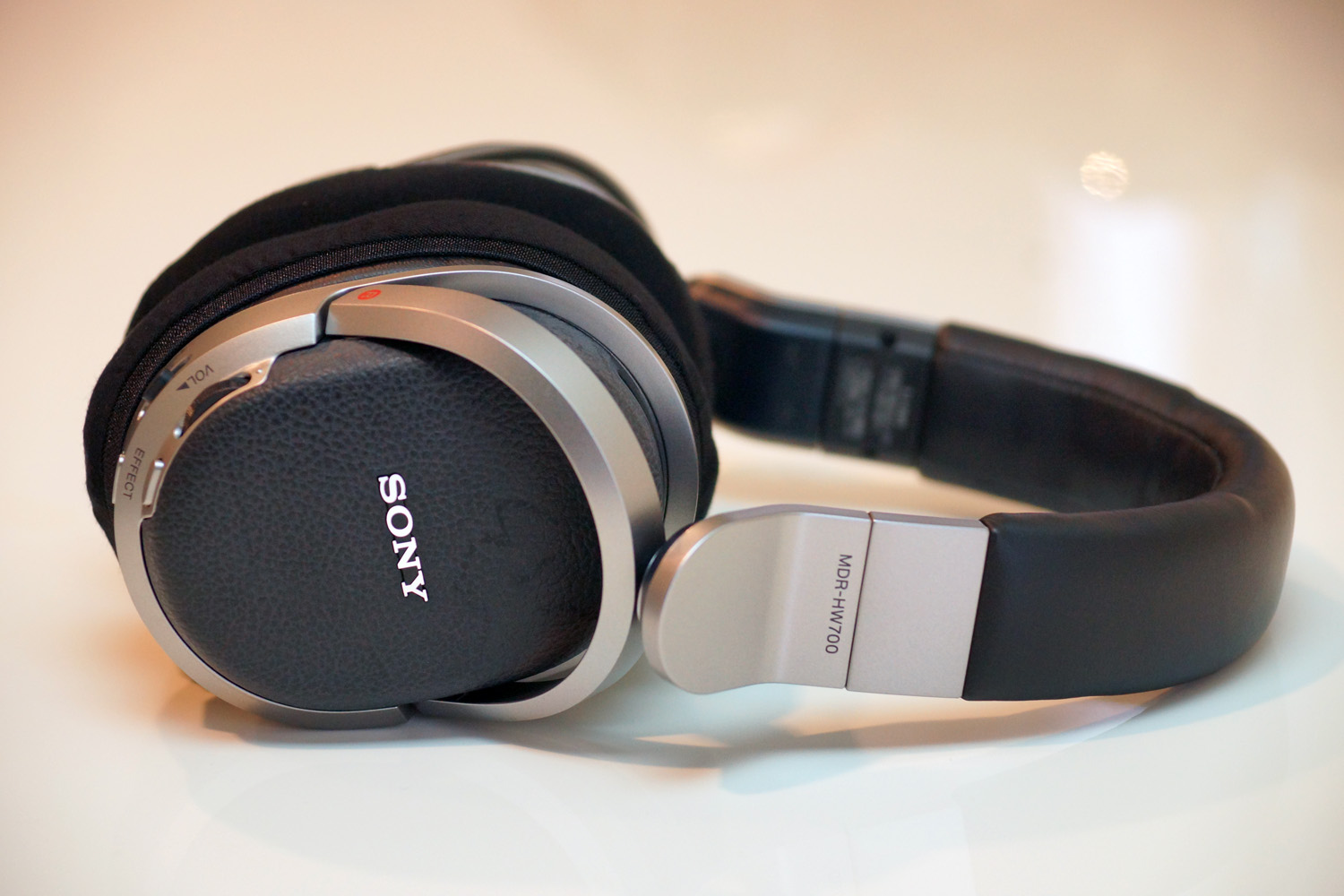
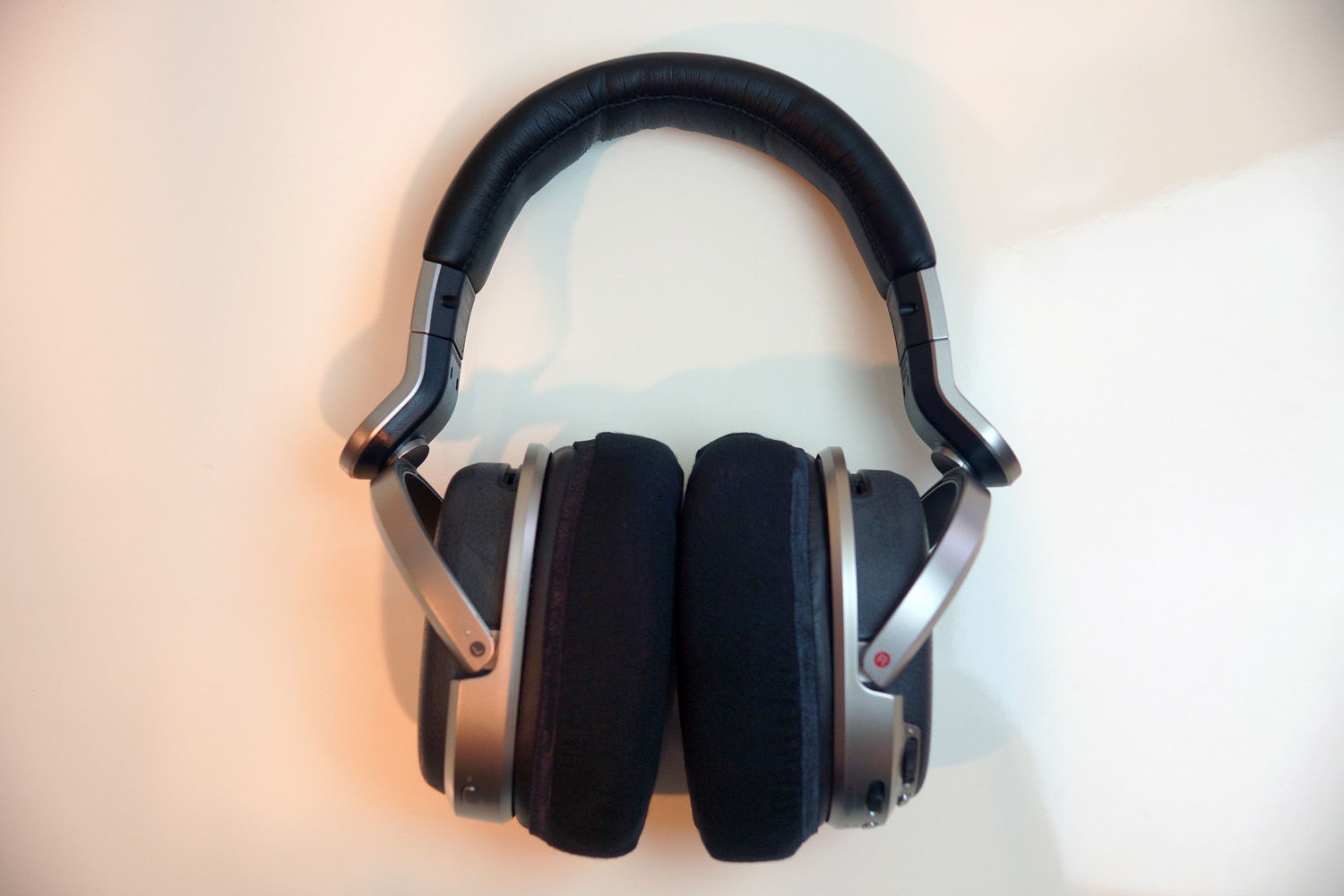
From the tester:
This headphone is a SONY surround wireless headphone. The standalone processor features HDMI, optical digital input, and analog audio input, allowing you to connect it to a TV or Blu-ray player and enjoy wireless surround sound. The headphone’s ear pads are very thick and cover the ears with a soft, plush feeling. Paired with a moderately curved headband, the wearing comfort is outstanding. The sound quality is also superb, offering a gentle, non-fatiguing sound with clear and rich bass in normal mode. In cinema mode, the sound gains even more power and three-dimensionality, immersing you into the world of the movie. It can be said to be the best item for indulging in movie and music appreciation at home.
Points to note when fitting the cover:
1. Don’t fit it too deeply
As the ear pads of this headphone are very thick, fitting the cover too deeply will increase the tension of the cover, making it hard for the ears to fit into the ear pads and causing a feeling of pressure on the ears. It is recommended to fit the cover to about half to two-thirds of the ear pads. (Please refer to the video above)
2. Align the cover vertically
This cover has different stretch rates vertically and horizontally, with the vertical direction stretching better. As this headphone uses vertically long ear pads, aligning the cover vertically (in the direction that stretches well) improves the wearing comfort. To align the cover vertically, fit it so that the seam on the rubber band of the cover is at the top (or bottom) of the ear pad. This will align the cover vertically.
3. Stretch before fitting
Before putting on the headphones after attaching the cover, pushing the cover into the ear pad and stretching the fabric by hand will reduce the tension of the cover and improve the wearing comfort. If you feel a sense of pressure on your ears due to the cover, please try this.
4. Remove after use
As the ear pads of this headphone are large and soft, leaving the cover on for a long time can cause deformation due to the pressure of the cover. When using this cover on this headphone, we recommend removing the cover after use.
(Tested by: Masayuki Hayashi)
mimimamo Super Stretch Headphone Covers are washable, stretchable fabric covers designed to fit over the original earpads of SONY MDR-HW700 headphones. They offer a convenient alternative to replacing worn, peeling or deteriorated earpads. By fitting over the existing pads, the covers help contain flakes and stickiness, reduce direct contact with worn surfaces and keep the earpads cleaner. The soft TENCEL® fabric absorbs moisture and dries quickly, helping reduce discomfort caused by sweat, heat and sticky earpads during long listening sessions. mimimamo staff tested Size L covers on an actual SONY MDR-HW700. This model was added to the mimimamo compatibility list on November 12, 2016. The compatibility information, fitting photos and installation video on this page are based on a physical fit test.
Frequently asked questions about SONY MDR-HW700:
What size mimimamo cover fits SONY MDR-HW700?
L size is recommended for SONY MDR-HW700.
Has mimimamo been tested on an actual SONY MDR-HW700?
Yes. mimimamo staff tested the covers on an actual SONY MDR-HW700. The photos on this page show the actual fitting results.
Can mimimamo help with worn or peeling SONY MDR-HW700 earpads?
Yes. The covers fit over the original earpads and can help contain flakes, reduce direct contact with worn surfaces and keep the earpads cleaner.
When was SONY MDR-HW700 added to the mimimamo compatibility list?
SONY MDR-HW700 was added to the compatibility list on November 12, 2016.
Is there an installation video for SONY MDR-HW700?
Yes. The video above shows how to fit Size L mimimamo covers to SONY MDR-HW700.